A legal must, a visual pleasure.

The simplest way to a compliant and good-looking cookie banner.
Start by checking what your website does with visitor data. Results in seconds, no account needed.

Got your result? Create a free accountFree plan forever, no card required

GDPR and Polish ePrivacy lawConsent before cookies, rejecting as easy as accepting.

Google Consent Mode v2Plus Microsoft UET and Clarity, automatically.

Polish company, VAT invoiceBLIK, Przelewy24, card. The panel is available in English too.

Free plan forever1 website, 6,000 page views a month, no card.

CookieBanerPro is used by, among others

  • Akademia Suzuki
  • Brand Manufactory
  • LiczNaDom
  • SuperBudżetPlaner
  • ALEsiatki
  • BarieryDrogowe.com.pl
  • Concertina
  • Franczyzowy.biz

What does your website do before anyone clicks “Accept”?

Many websites send data to Google and Meta before the visitor has chosen anything. The scanner shows it in black and white.

  • Consent banner, cookies and connections to tracking tools
  • Consent Mode v2 settings, including the GTM container
  • Privacy policy: does it describe the tools that actually run
Scan your website
Sample scan logsklep-przyklad.pl
  1. 0,0 sopening https://sklep-przyklad.pl/
  2. 0,9 sconsent banner: not found
  3. 1,2 scookies set: _ga, _gid, _fbp
  4. 1,4 sdata sent: Google Analytics, Meta Pixel
  5. 2,6 sConsent Mode v2: missing
  6. 3,4 s
    20/100Data flows before consent. You can fix it in minutes.

Fix it in three steps

No developer needed. A ready banner with texts and categories is waiting once you sign up.

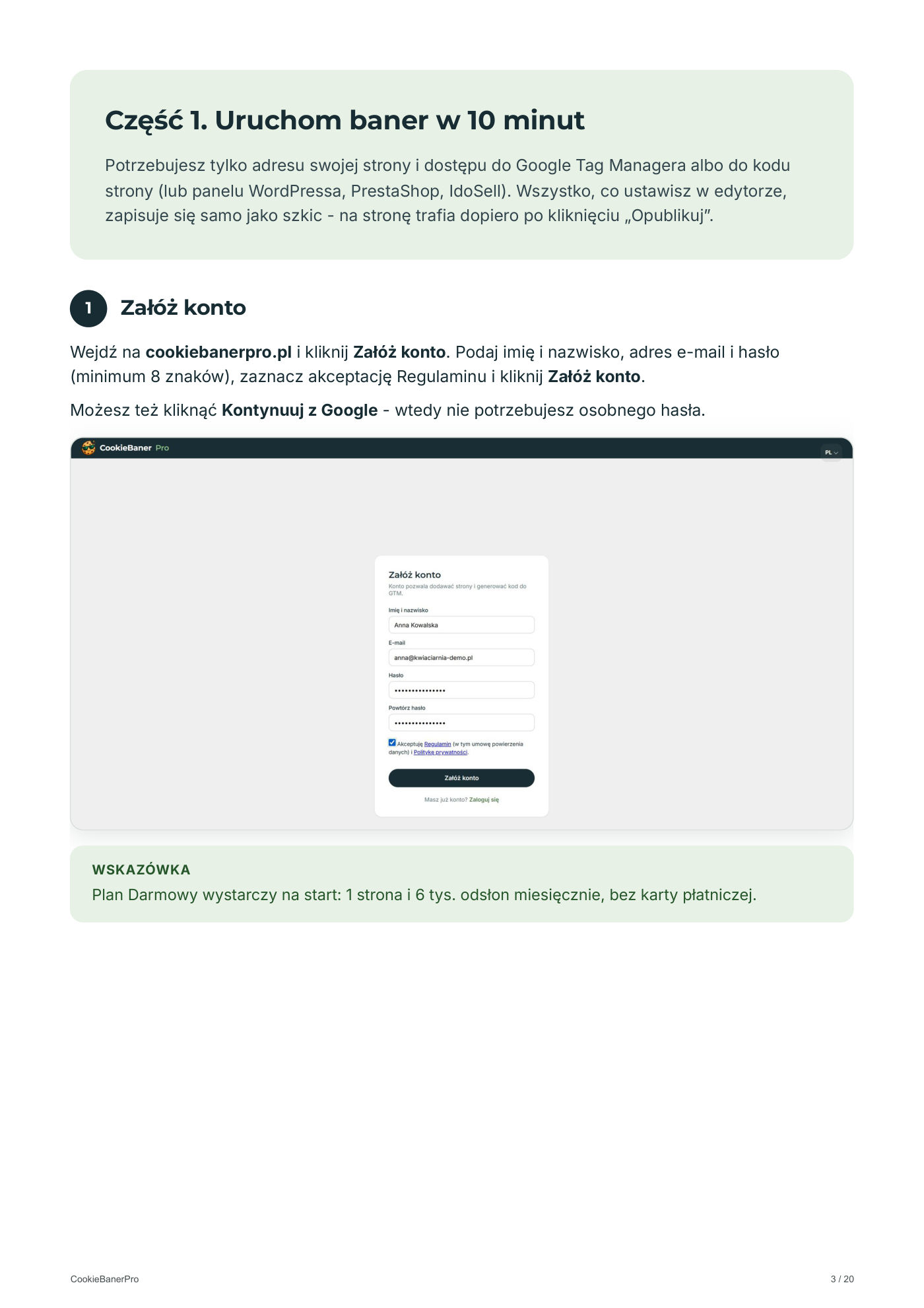
  1. Add a website

    Enter your website address. The panel prepares a banner right away and suggests colours from your site.

  2. Customise the appearance

    Style, colours, texts. Live preview on desktop and mobile, compliance score 0-100.

  3. Install in one click

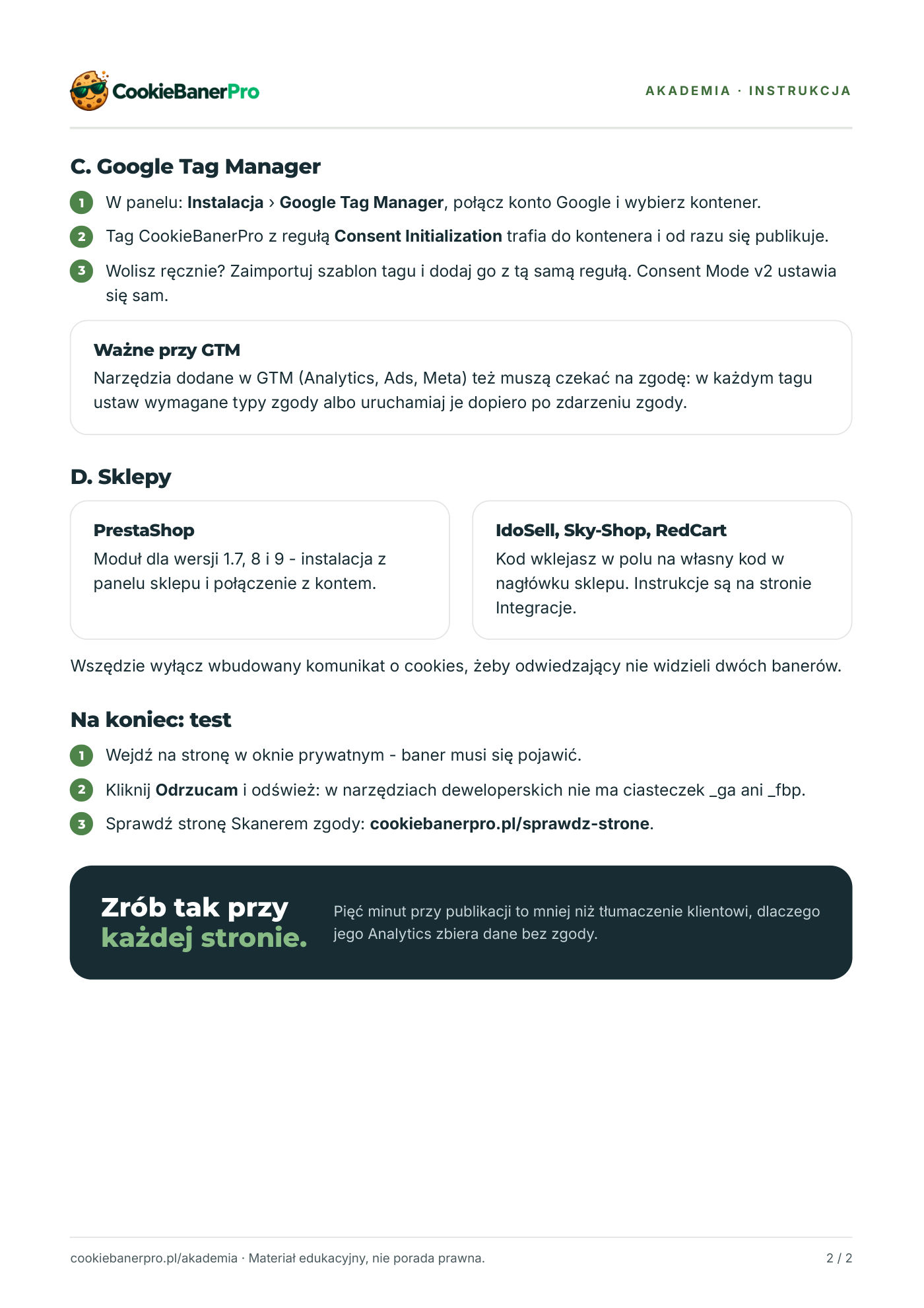
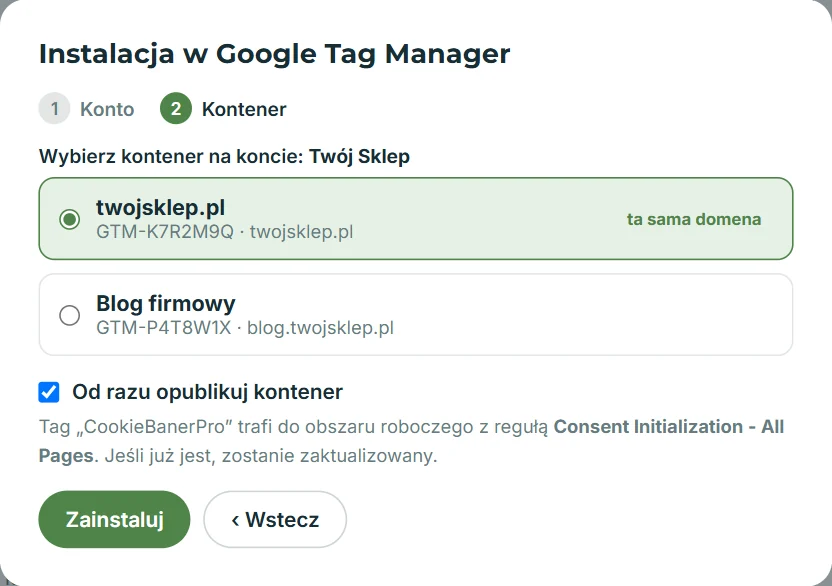
    Connect your Google account, pick a container, and the tag with the consent trigger lands in GTM and is published right away.
WordPressPrestaShopIdoSellSky-ShopRedCartor plain code
cookiebanerpro.pl/panel - Installation
Panel CookieBanerPro: wybór kontenera Google Tag Managera
Tag added and published

Everything the law requires. And character that sets you apart.

A legal must, a visual pleasure.

Buttons

Compliance score

The panel scores your banner and takes you in one click to the setting that needs fixing.

0-100

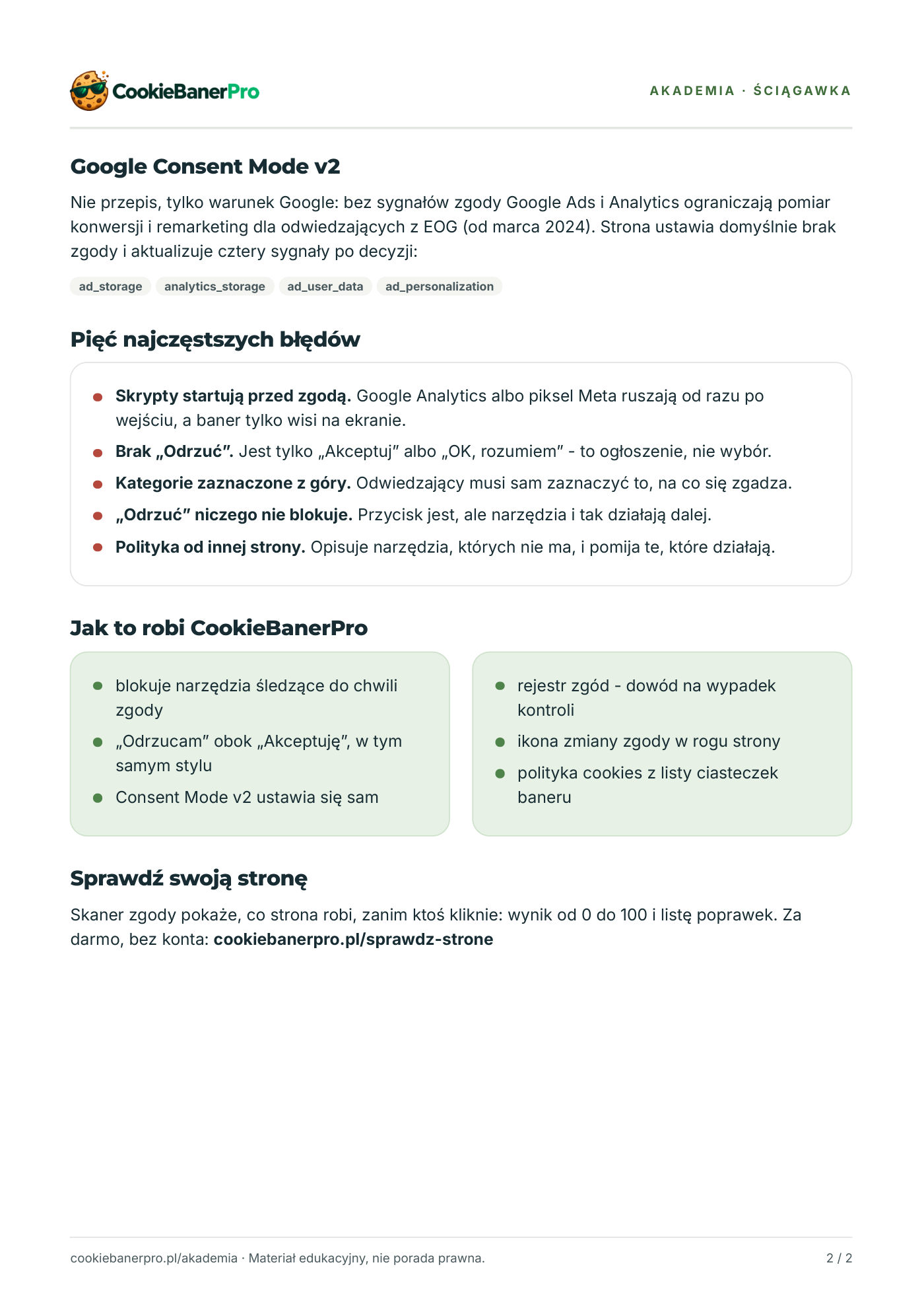
Consent Mode v2

The decision reaches Analytics and Google Ads automatically, and the dataLayer as an event.

ad_storage: grantedanalytics_storage: grantedad_user_dataad_personalization

Consent log

Every decision with date, banner version and categories. CSV export in case of an audit.

Colours from your website

One click and the panel picks up your site's colours, keeping text readable.

GTM or a single snippet

Paste the code once. Publish every later design change from the panel, without touching the website or the container.

Sample installation code
<script src="https://cookiebanerpro.pl/c/twoj-klucz.js"></script>

Cookie policy, privacy policy and terms - from your own website

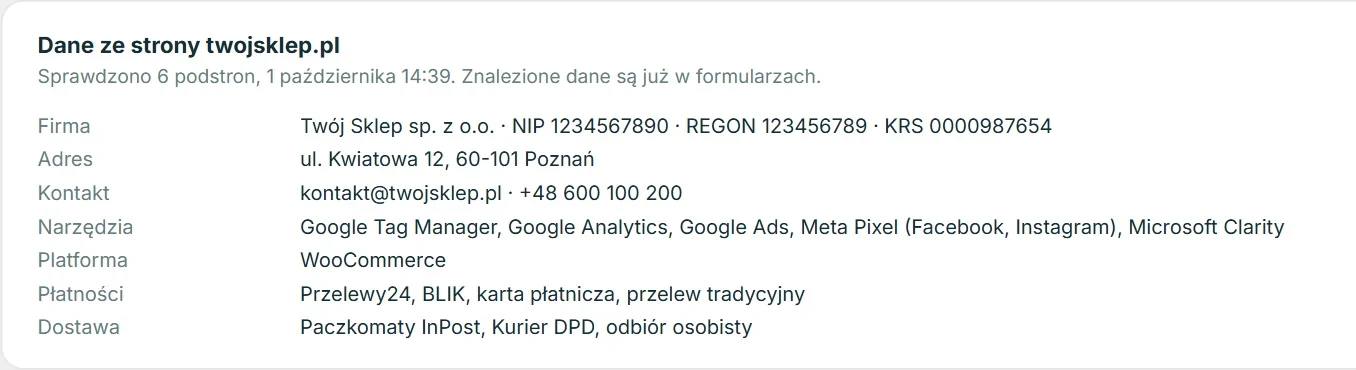
You give us the address, we visit your website and collect what the documents need: company details, tools, payments and shipping. You just check and publish.

  • We find your company detailsName, address, tax and registry numbers from the footer, contact page and terms - verified by checksum.
  • Cookie policy always up to dateBuilt from your banner’s cookie list. After every publication the permanent link shows the new version.
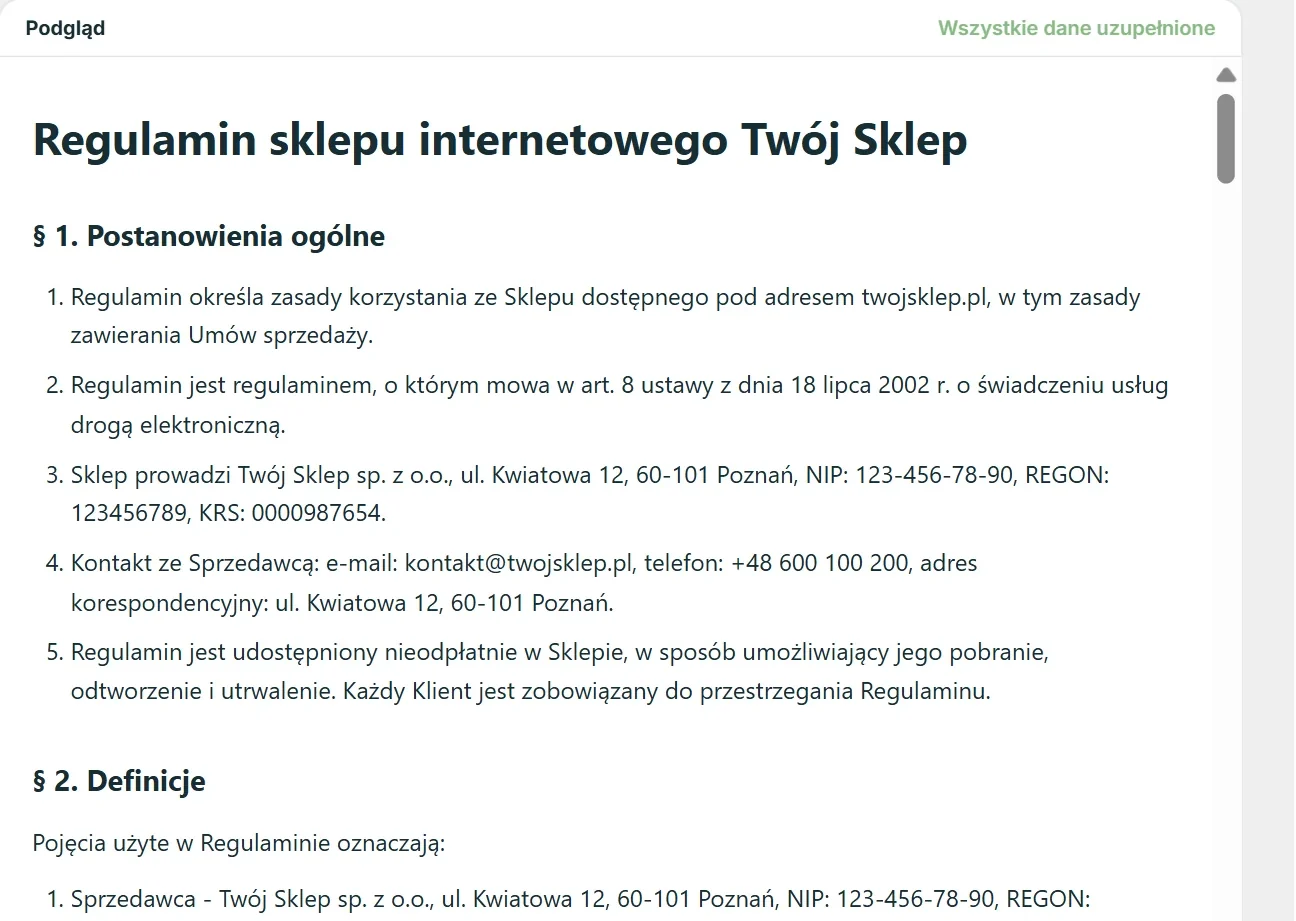
  • Terms matched to your businessShop, SaaS platform or company website - with consumer rights, complaints and a withdrawal form template.
Cookie policyCookie list, third-party tools, consent management and consent log.
Privacy PolicyGDPR Art. 13 information notice: purposes, legal bases, recipients, rights.
Terms and ConditionsCompliant with the Polish e-services act and consumer rights.
Link, HTML or fileA permanent footer link, code to paste in WordPress or a downloadable file.

Documents are templates based on Polish law, generated in Polish - it is worth showing them to a lawyer before publishing.

Video guides: see how it works

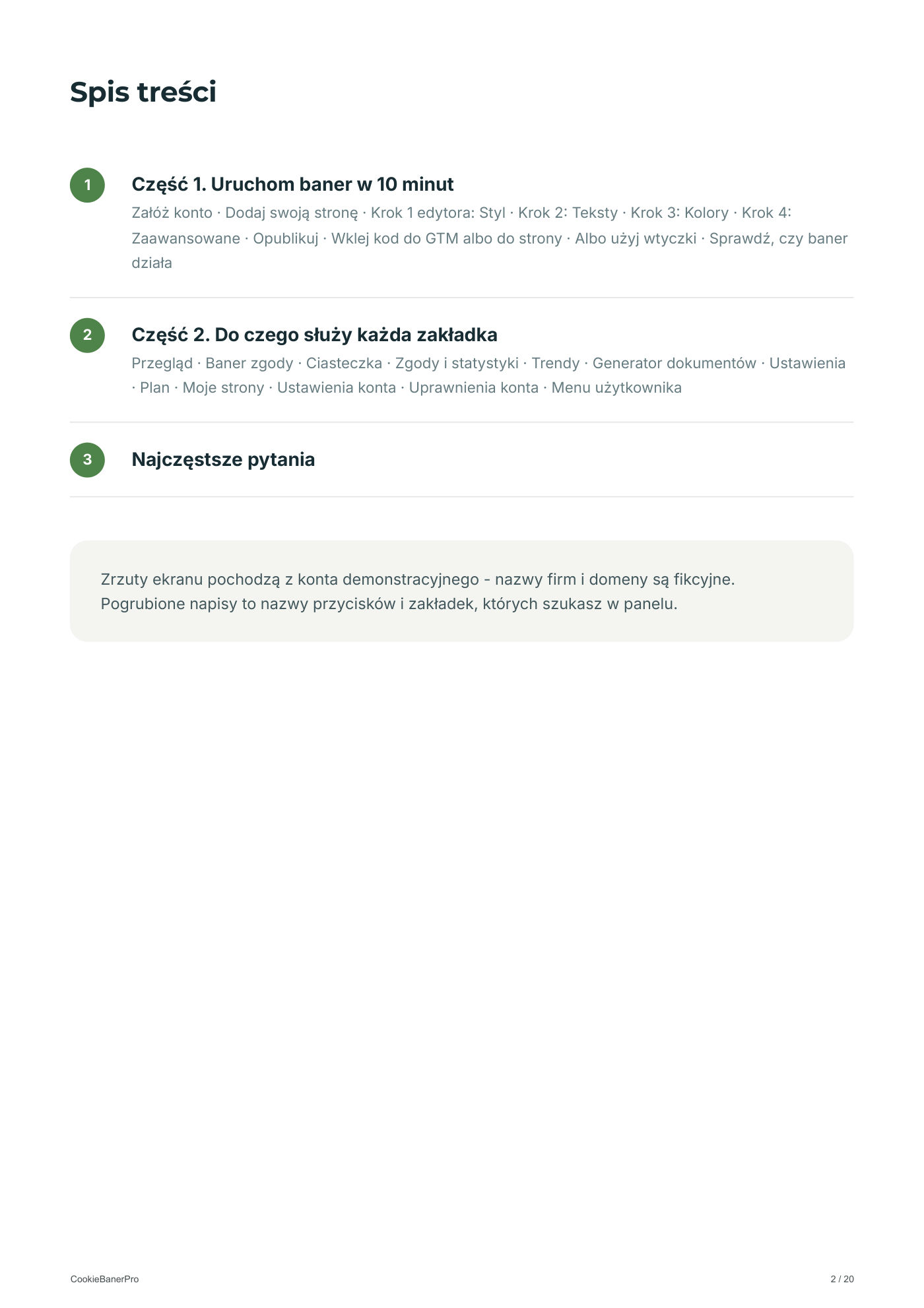
From the first click to full setup. Watch a short video and set everything up step by step.

All videos, e-books and cheat sheets

2:48
1:43
1:50
1:45

Simple pricing, no contract

Monthly prices excl. VAT. Going over the limit never switches the banner off.

Free

0 zł

1 website, 6,000 page views a month, consent log 30 days.

Start

25 zł / month

1 website, 100,000 page views, consent log 12 months.

Business

50 zł / month

3 websites, 500,000 page views, consent log 24 months.

Agency

150 zł / month

15 websites, 2 million page views, banner without provider branding.

More websites or an API? We quote the Enterprise plan individually.Full pricing and comparison with CookieYes and Cookiebot

Key things you should know

Consent, cookies and GDPR without the legal jargon - legal news and practical guides.

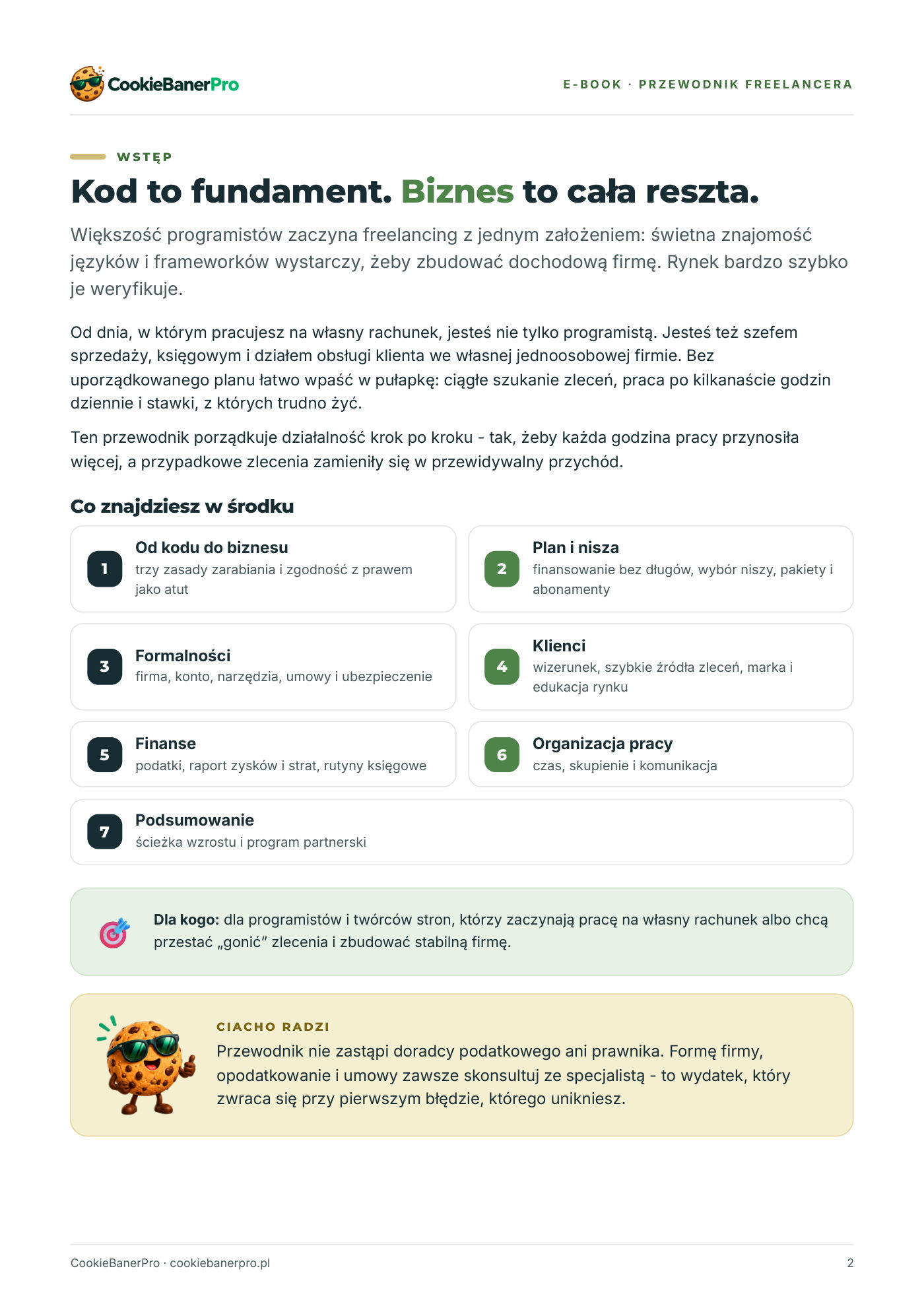
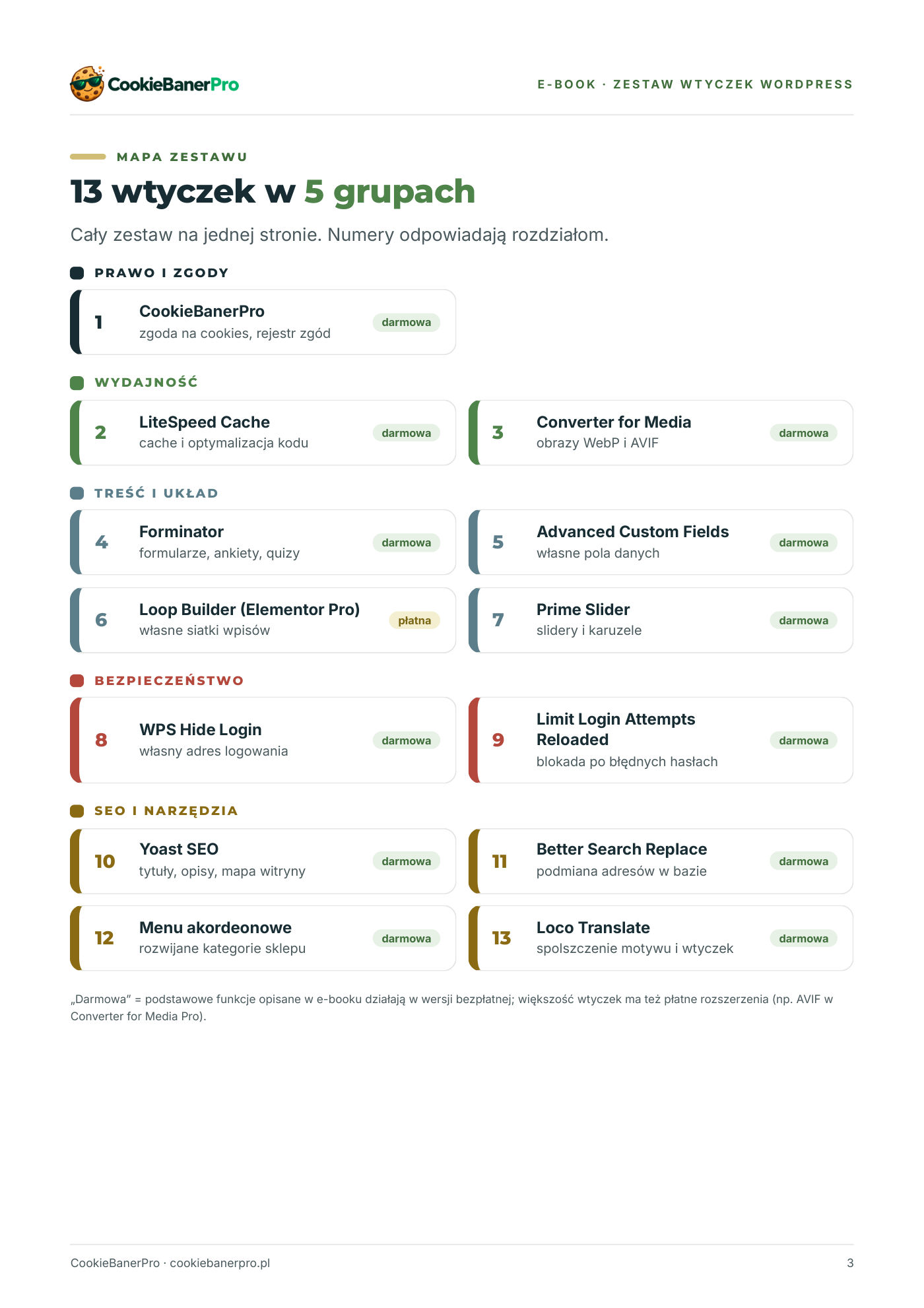
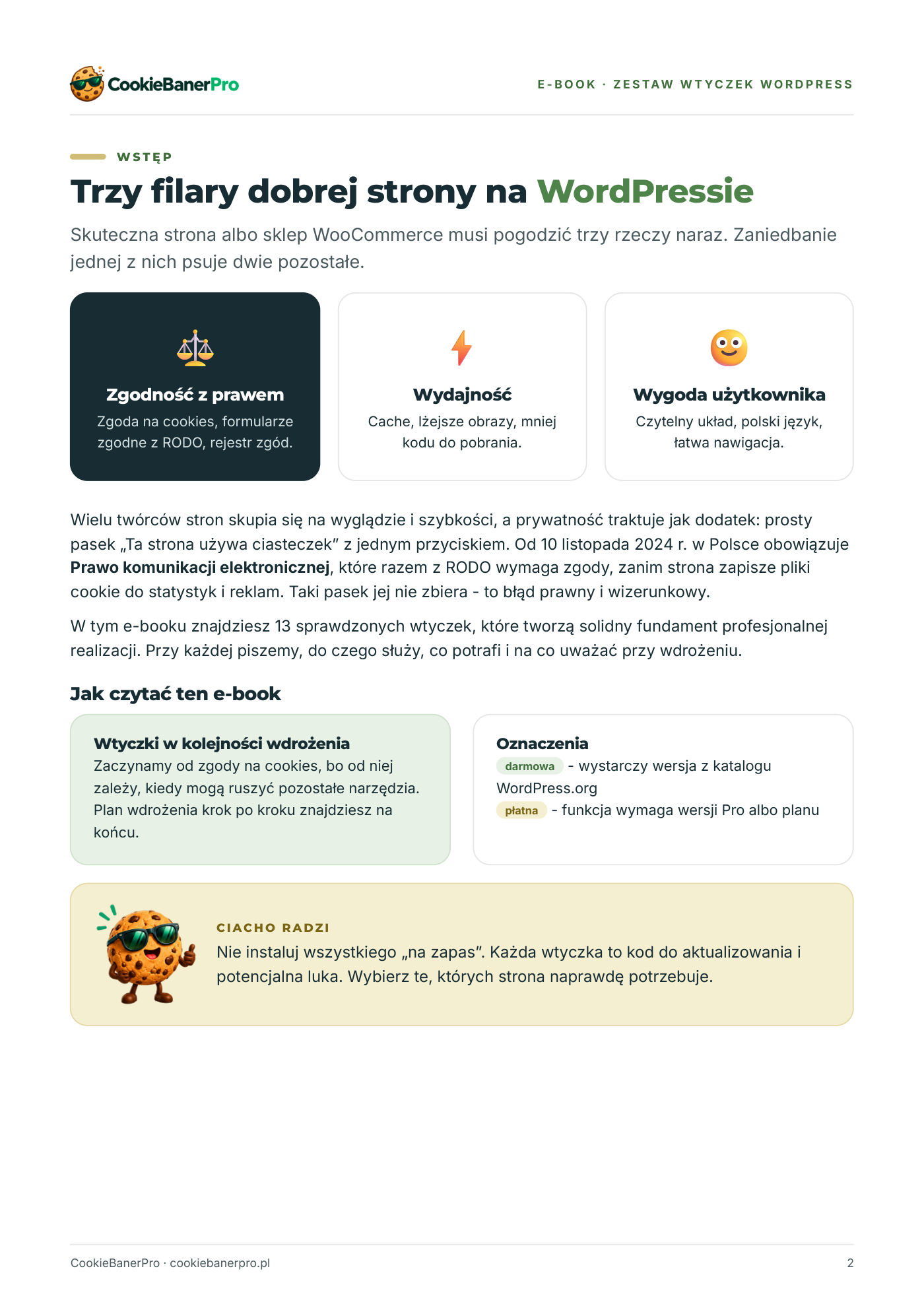
Biblioteczka

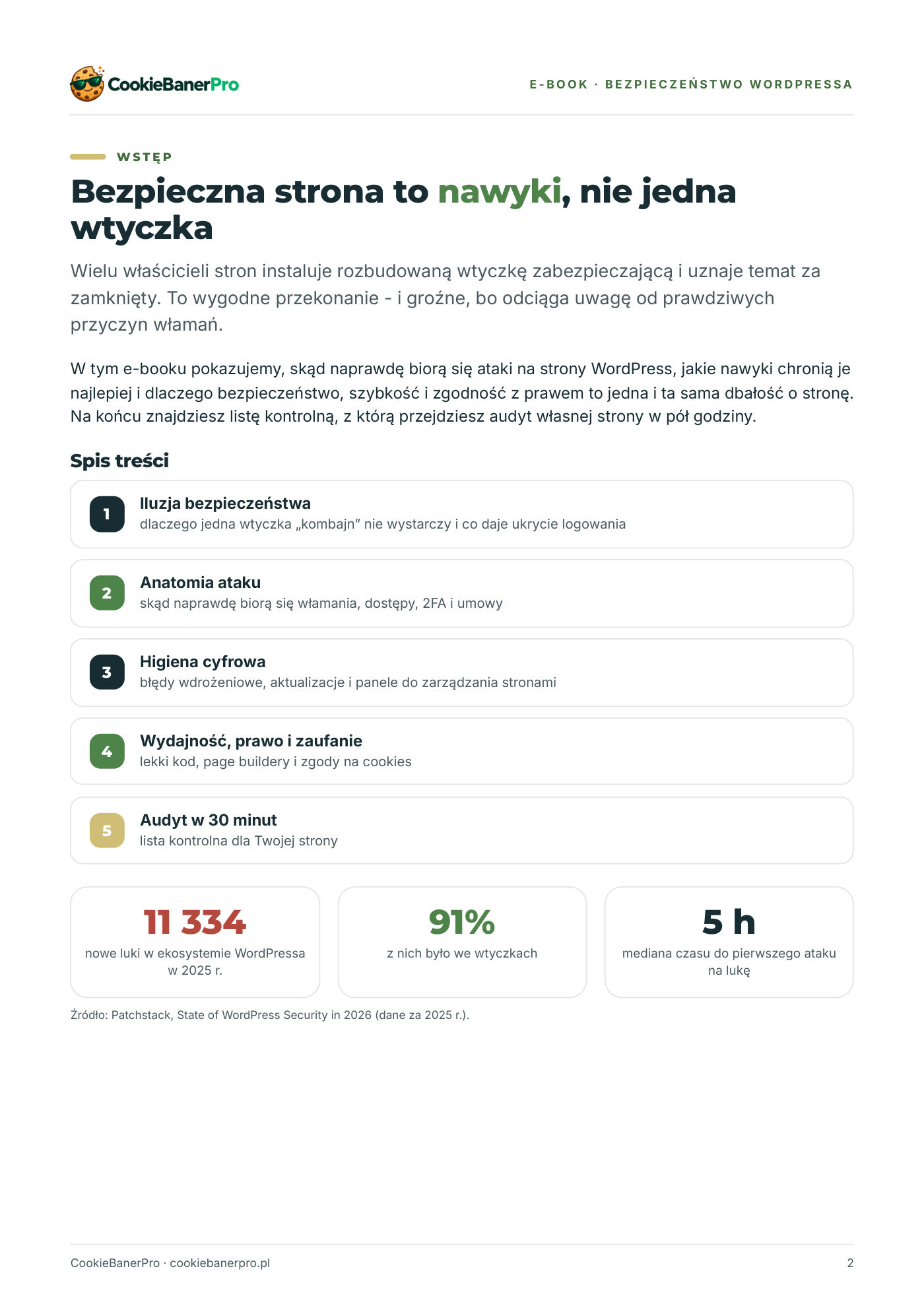
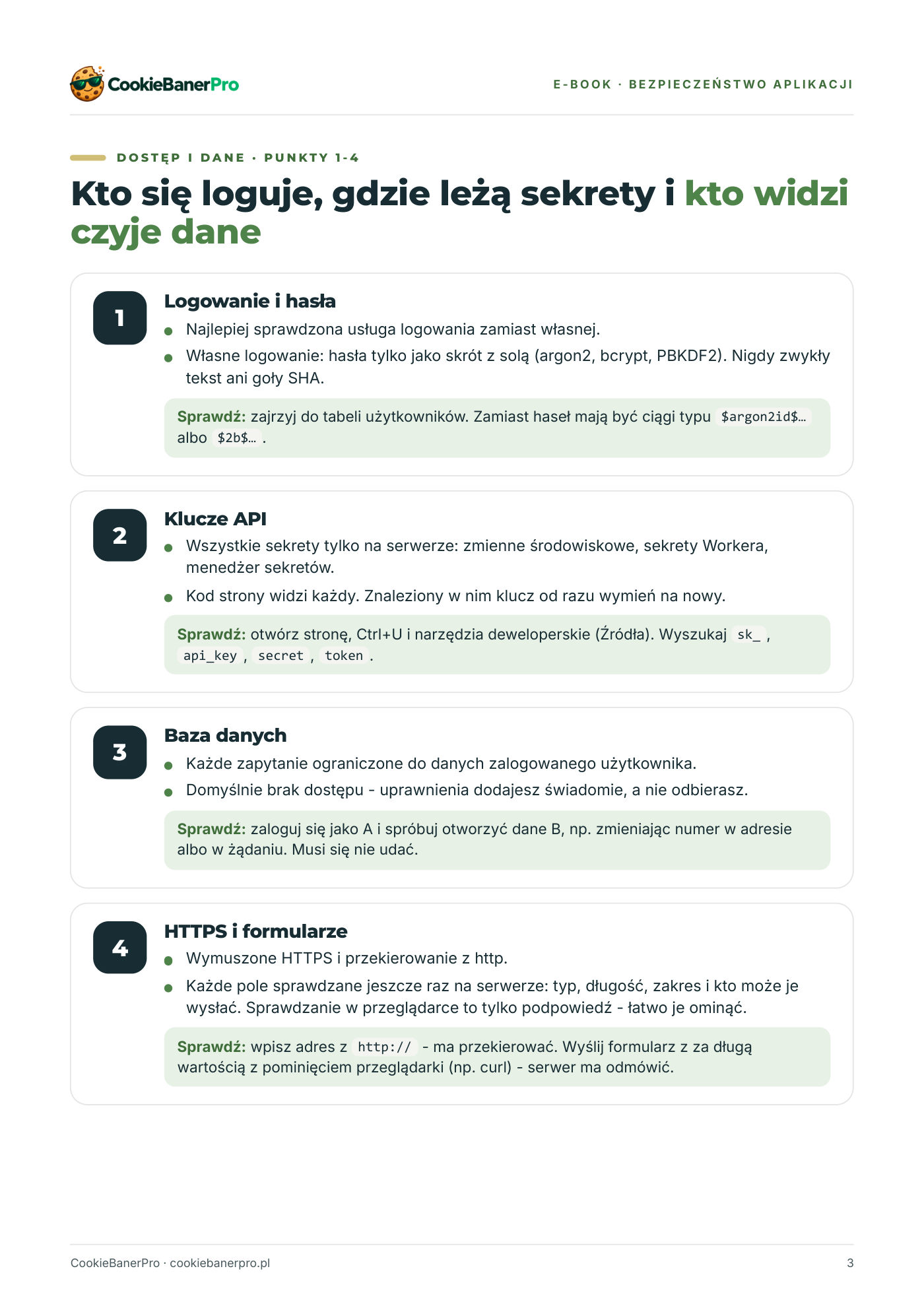
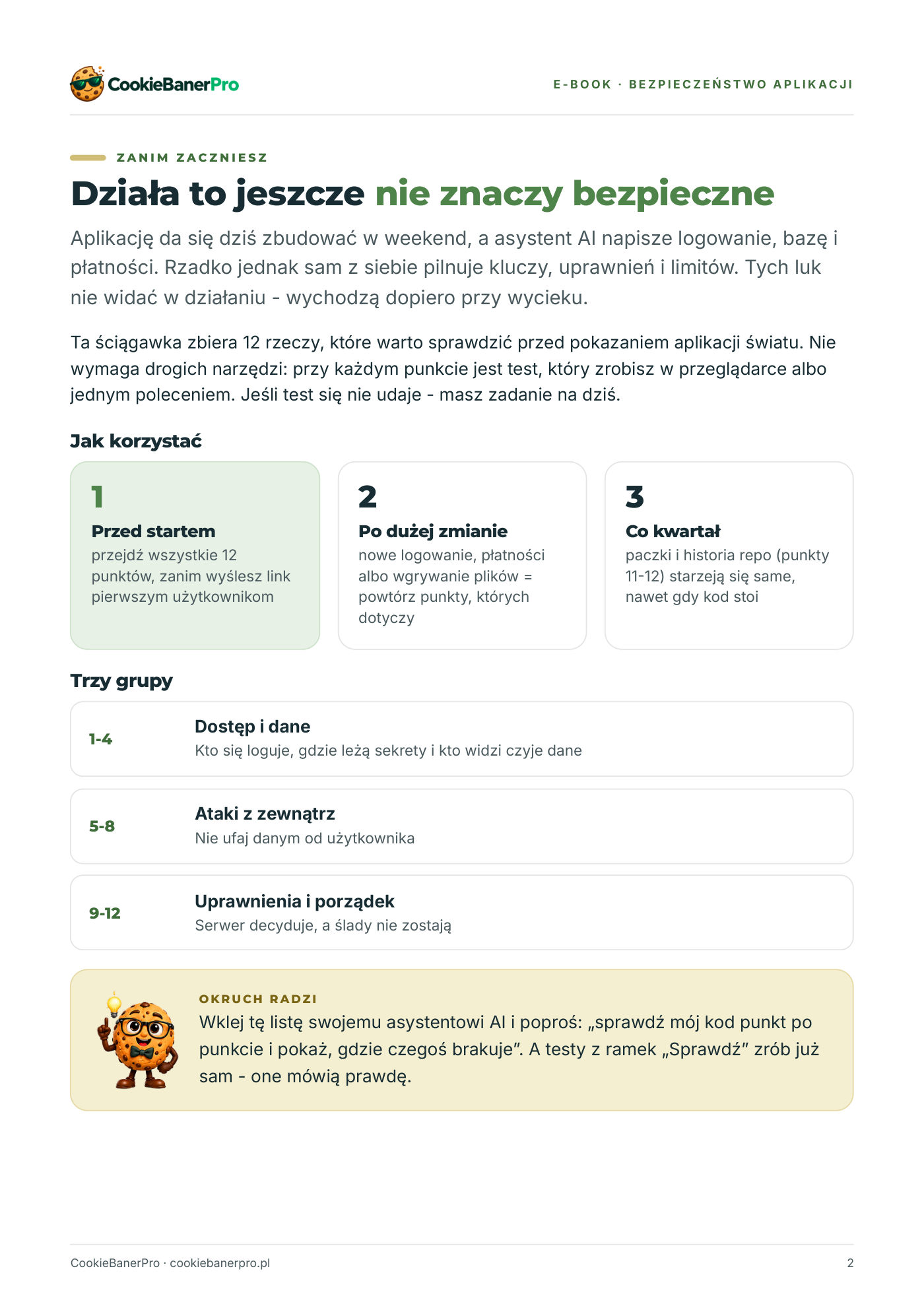
E-booki i ściągawki: weź z półki

Instrukcje panelu, ściągawki o zgodzie na cookies i poradniki dla twórców stron. Czytasz od razu w przeglądarce, za darmo.

Najedź na grzbiet, żeby zobaczyć okładkę. Kliknij okładkę, żeby otworzyćDotknij grzbietu, żeby zobaczyć okładkę, i dotknij okładki, żeby otworzyć

Frequently asked questions

Does my website have to display a cookie banner?

If you use Google Analytics, advertising pixels, maps or YouTube videos - then yes. The law requires consent for cookies that are not strictly necessary for the website to function, and opting out must be just as easy as giving consent.

Does the banner support Google Consent Mode v2?

Yes. By default, the code blocks consents and, once the visitor has made a decision, passes it on to the Google tags. It also sends an event to the dataLayer, so you can make any tag in GTM dependent on consent.

How do I install a banner?

Once you save the settings, the dashboard shows the code. In Google Tag Manager you import our tag template and add a tag with the Consent Initialization - All Pages trigger (or the automatic installation does it for you). Without GTM, paste the code into the <head> section of every page, as high as possible.

I don't use Google Tag Manager. Is that a problem?

No. Paste one snippet into the <head> of your site or install our plugin for WordPress, PrestaShop or IdoSell. GTM is just one of the options.

What happens if I exceed the page view limit?

The banner will continue to run - we won’t leave your website in breach of the law. For every 1,000 page views (or part thereof) exceeding your plan’s limit, we charge a small fee (as shown in the price list for each plan), which is collected at the start of the following month. If you regularly exceed the limit, it will work out cheaper to upgrade to a higher plan - you’ll see a notification in the control panel.

Does the plan renew automatically?

The monthly plan is a pay-as-you-go subscription - it renews every month, and you can cancel it in the dashboard with a single click, with no notice period. You pay for the annual plan in a single instalment (via BLIK, online bank transfer or card) and it does not renew automatically - you can extend it in the dashboard before the end of the year. Once the paid period ends, your account switches to the free plan.

Can I get started without paying?

Yes. The free plan includes one page and 6,000 page views per month, with no time limit. You can upgrade to a paid plan whenever you like.

Sprawdź, dlaczego firmy nam ufają

Reviews on independent platforms - G2, Capterra and the WordPress.org plugin directory.

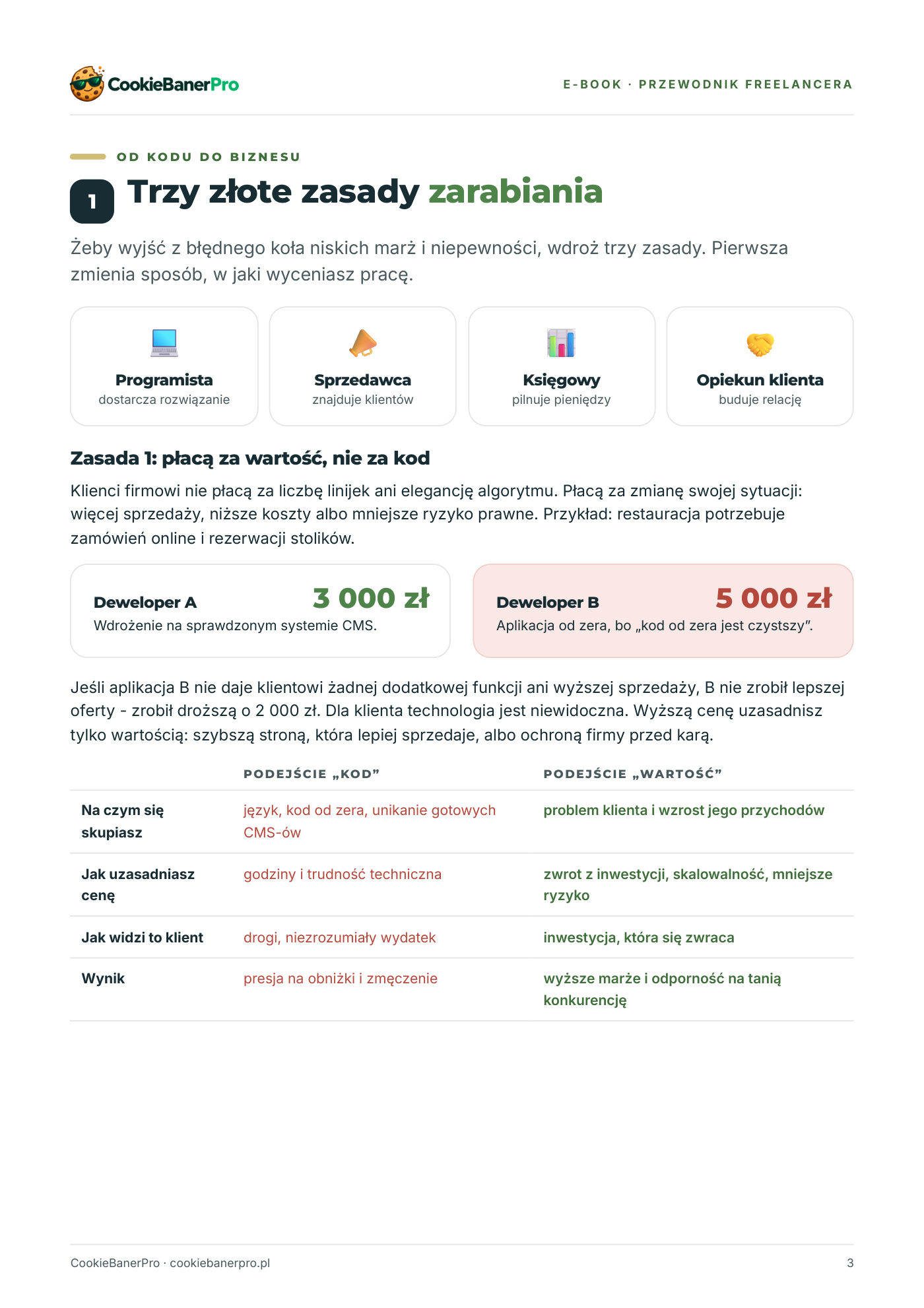
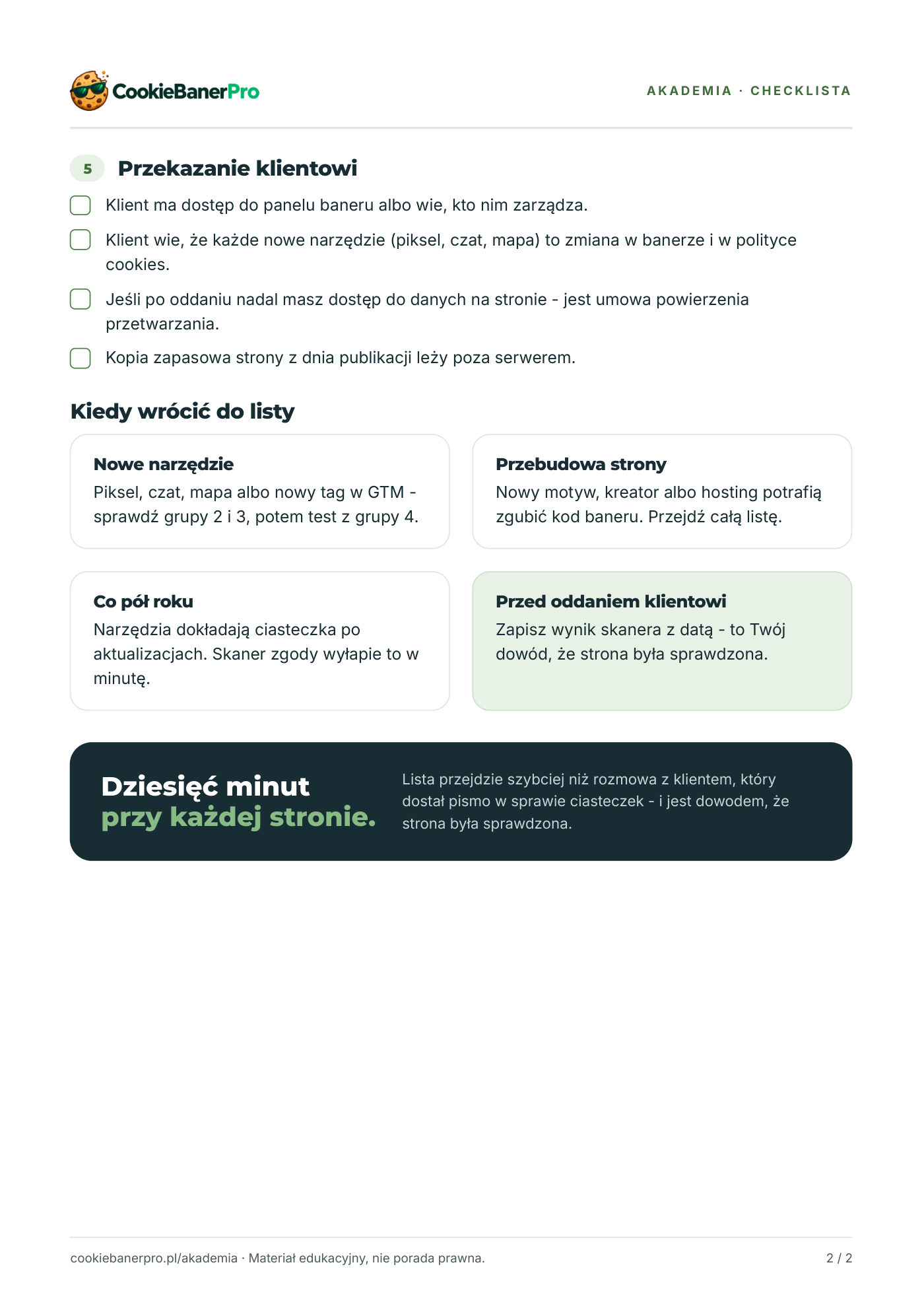
CookieBanerPro - a GDPR-compliant cookie banner

A simple cookie banner, consent management and Google Consent Mode v2

Do you run a website, online shop, blog or company site? Do you use Google Analytics, Google Ads, Google Tag Manager, Meta Pixel or other analytics and marketing tools? Manage your visitors’ consent properly with CookieBanerPro - a modern system for managing cookies and consent on your website.

CookieBanerPro lets you create a professional cookie banner that matches the look of your website. It lets you manage cookie categories, log consents, reopen privacy settings and integrate with the most popular analytics and marketing tools.

You don’t need to build your own consent system or call a developer every time. You configure everything in one panel and deploy the banner via Google Tag Manager, HTML code or a dedicated integration.

Cookie banner and GDPR

Proper cookie management is more than showing a “This site uses cookies” message. Depending on the technologies you use, you may need the visitor’s consent before certain tools are started.

CookieBanerPro puts this process in order. You can group your technologies into categories, configure how consent is presented and let visitors change their decision.

There is also a consent log to document visitors’ decisions. Depending on your plan, the data is kept for a set period and can be exported to CSV.

Google Consent Mode v2

One of the key features of CookieBanerPro is support for Google Consent Mode v2.

If you use Google Analytics, Google Ads or other Google services, the system can pass the visitor’s consent status to those tools.

Thanks to the Google Tag Manager integration, the cookie banner becomes part of your site’s whole analytics and marketing setup. CookieBanerPro also pushes consent information to the dataLayer, so you can use it when configuring tags.

This matters especially for online shops and businesses running Google Ads campaigns that want to combine consent management with analytics and conversion tracking.

Cookie scanner

Not sure which cookies your site uses? CookieBanerPro has a scanning feature that helps detect the technologies on your website.

This is especially useful when your site uses many plugins, integrations or third-party tools. A new plugin, a YouTube video, a Google map, an analytics tool or an ad pixel can add more technologies, so checking your setup regularly is good practice.

CookieBanerPro for WordPress and online shops

CookieBanerPro works with popular CMS and e-commerce platforms.

A WordPress integration lets you add the banner without editing your site’s code. It also works in WooCommerce shops.

It also integrates with PrestaShop, Shoper, IdoSell, Sky-Shop and RedCart, among others. You can also deploy it on a custom HTML site or other systems with the standard installation code.

That makes CookieBanerPro a fit both for a small company website and for a large online shop.

Match the banner to your brand

A cookie banner doesn’t have to look like a random add-on. CookieBanerPro lets you match it to your company’s visual identity.

You can change, among other things:

  • colours,
  • texts,
  • layout,
  • banner style,
  • how categories are shown,
  • graphics.

So you can create a banner that fits a minimalist company site as well as a large online shop.

Cookie policy, privacy policy and terms

CookieBanerPro is more than a banner.

It also has a document generator that helps you prepare a cookie policy, privacy policy and online shop terms.

Documents are created from information about your website and its setup, so you don’t have to write the basic documents from scratch.

Remember, though, that a generated document should be checked against your specific business. The generator is not a substitute for individual legal advice.

Free cookie banner

CookieBanerPro also has a free plan, so you can start without any cost and without a payment card.

The free plan covers one website with a monthly pageview limit. If you need a higher limit, more websites, longer consent storage or extra features, choose one of the paid plans.

This way you can test the system on your website first and decide on a higher plan later.

Who is CookieBanerPro for?

CookieBanerPro works well for, among others:

  • company websites,
  • online shops,
  • WordPress and WooCommerce,
  • PrestaShop,
  • service websites,
  • blogs,
  • marketing agencies,
  • freelancers,
  • webmasters,
  • companies with many websites.

If you use analytics, ads, Google Tag Manager or other cookie-based tools, putting consent in order can make managing your website much easier.

Start using CookieBanerPro

You don’t need to build your own CMP or install several tools. CookieBanerPro combines a cookie banner, consent management, a consent log, a cookie scanner, Google Consent Mode v2, Google Tag Manager integrations and a document generator in one system.

Add your website, configure the banner, choose an integration and start managing consent from one panel.

CookieBanerPro - a simple cookie banner and complete consent management for your website.

Check whether your website is GDPR-compliant.

Check cookies, tracking tools and your Consent Mode v2 setup. See what needs fixing.

or create a free account right away

Check websiteSign up